
Broadcasts
What the server shouts about, which of it you can mute, and how the Megaphone works.
Six kinds of server announcement, each of which VIP players can mute on its own. The Megaphone is the one broadcast a player sends, and the only one with the name-badge banner.
📣 The six kinds#
| Kind | Trigger |
|---|---|
| PVP | Entering the PvP or Monk arena · arena kill streaks and streak-enders |
| GVG | Reserved for guild-war announcements · unused yet |
| Item Drop | Non-card drops at ≤ 0.10%, every MVP card and mini-boss card · finder, monster, map, chance |
| MVP Kill | Every MVP kill, plus Ghostring, Angeling and Deviling · boss, killer, guild, map, fight duration · three MVPs in a row announces a streak |
| Rare Drop | Card notice · finder, card, their copy number, drop chance, kills since their previous card notice |
| Refine / Enchant / Fusion | Refine attempts at ≥ +7 (level-1 weapons from +8), success or failure, refiner's name partly hidden (the line also names the ore and says shattered, dropped a level or held) · Star Forge rarity ascensions and forgings · Blessed Ore event refines · Pet Synthesizer fusions |
Everything else — event notices, gacha jackpots, title announcements — is a plain broadcast that cannot be muted.
🔇 Muting them#
- VIP perk. Star Realm Menu → Broadcast Settings → switch any of the six kinds to Hide. Each is independent.
- Non-VIP players cannot open Broadcast Settings. If your VIP runs out, your choices stay saved and work again the moment VIP returns, with nothing to redo.
📢 The Megaphone#
Megaphone (1,000 CP) and Megaphone Box (10,000 CP) are in the Cash Shop; the Streamer Megaphone is the streamer programme's bound version.
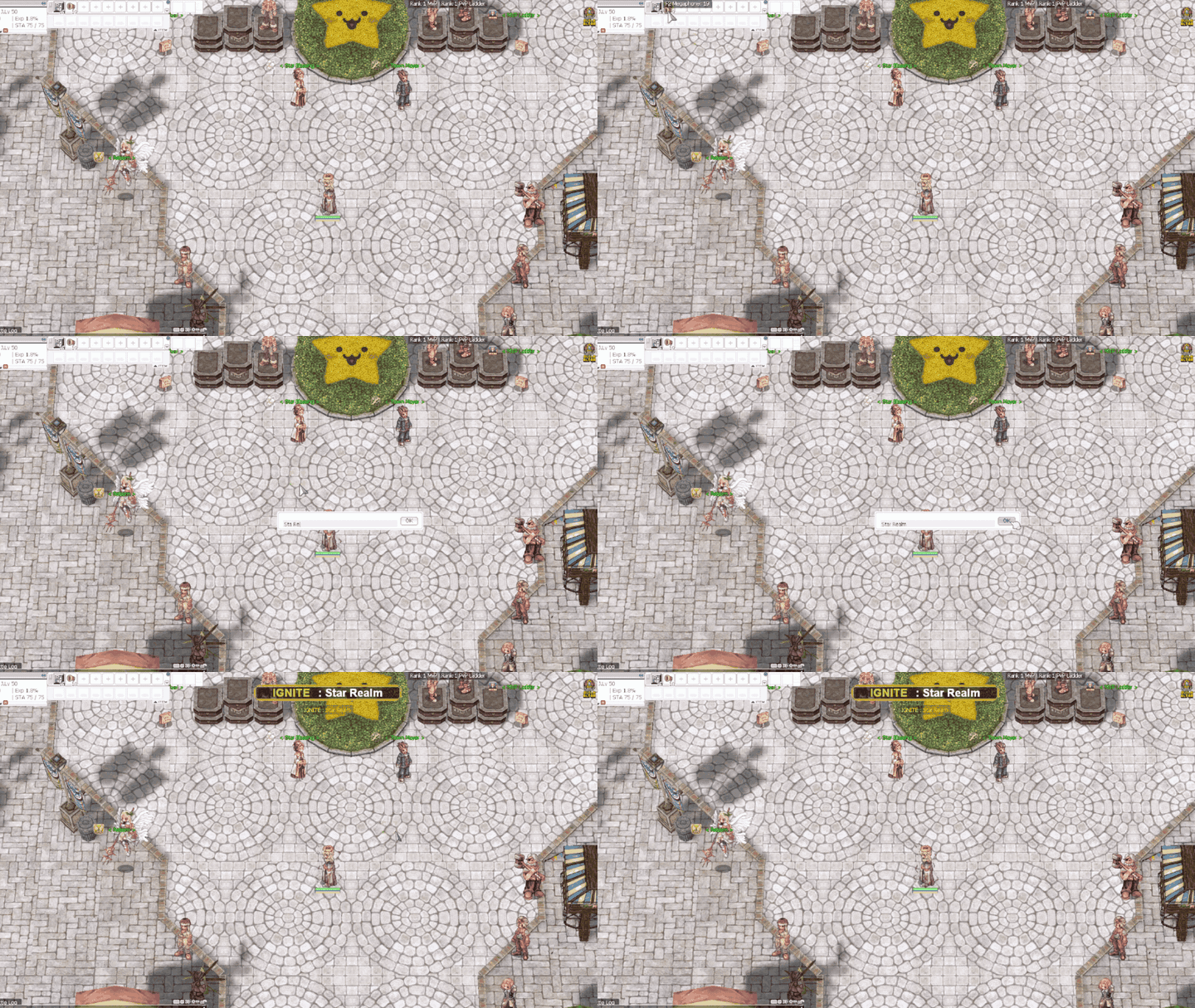
- Type your message and it goes to the whole server as Name : message, with the banner shown above.
- 10-second cooldown shared by the whole server. If someone else just shouted, you are told how long is left and the item is not used; cancelling or sending an empty message does not use it either.
- Type 0 to cancel. The message box sits in a small window; 0 or an empty message closes it and the megaphone is kept.
- Megaphone shouts cannot be muted.